
Steam Deck and Controller Support in Ruins of Myth Drannor
Does Ruins of Myth Drannor work on Steam Deck? Full controller support, Proton status, and what is still unverified on Valve Verified (2026-11-07).
FAQ
Does Pool of Radiance: Ruins of Myth Drannor support controllers?
Is Ruins of Myth Drannor Steam Deck Verified?
Should you use mouse and keyboard or a gamepad?
Did the demo fix controller issues?
Where do I tune combat UI for pad play?
Does Ruins of Myth Drannor work on Steam Deck?
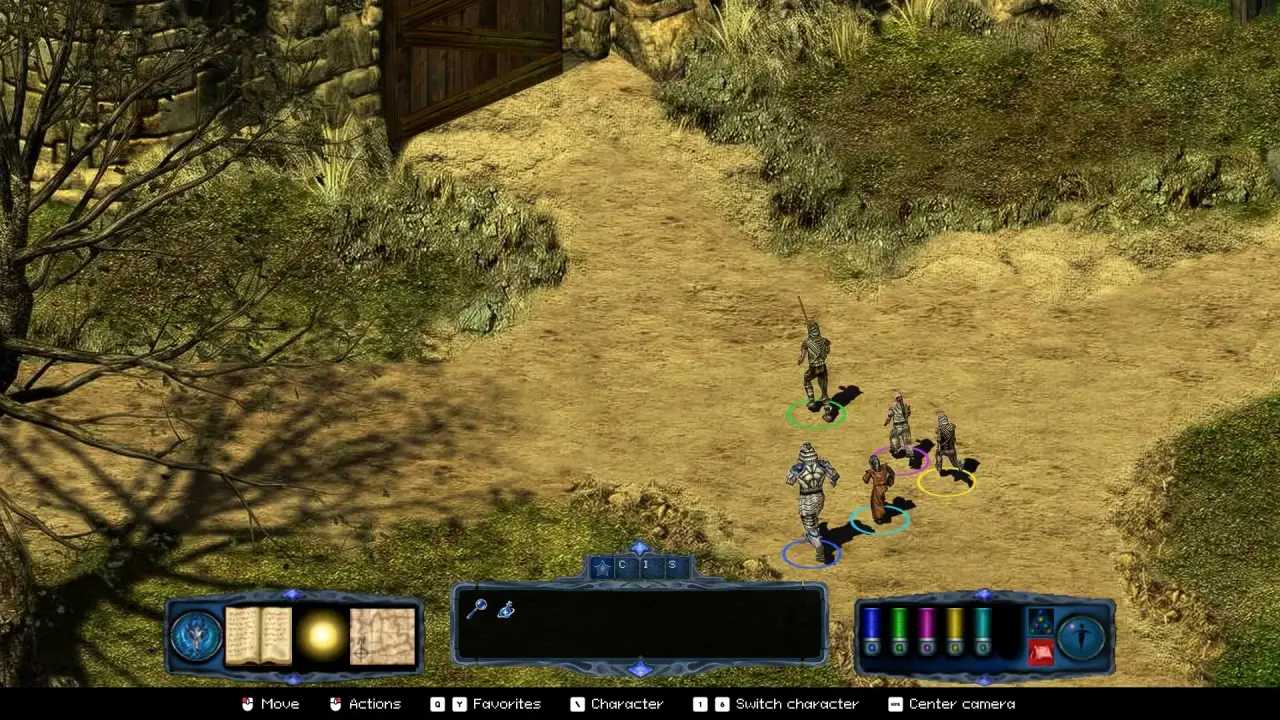
SNEG’s remaster launched on 2026-11-06 with Windows-only binaries, so Steam Deck play typically runs through Proton unless Valve or the publisher ship a native Linux build—which neither store page lists as of 2026-11-07. (Source: Steam system requirements; GOG product FAQ, checked 2026-11-07.)
Steam’s feature blurb for App 4834760 mentions Steam Deck support alongside achievements and cloud saves. That is not the same as a Verified checkmark on the Deck compatibility panel. Our store checks on 2026-11-07 showed no Official Valve Verified or Playable rating—treat Deck readiness as Unverified in the remaster until you test your own unit or Valve updates the badge.
Third-party trackers echo “likely runs on Deck” without substituting for certification:
| Source | What it says (paraphrased) | Trust limit |
|---|---|---|
| Can I Run — RoMD requirements blog | Discusses Deck alongside PC specs | Editorial interpretation, 2026-11-07 |
| ProtonDB — App 4834760 | Community Proton reports (early data) | User-submitted; changes with Proton/game patches |
We do not know from primary sources: stable 60 FPS vs 30 FPS, fan noise, suspend/resume quirks, or whether the 4 GB RAM Windows minimum feels tight on Deck shared memory. Do not assume “perfect handheld play” from marketing lines alone.
For purchase context and Windows specs, see /guides/system-requirements-and-platforms/. For day-one options that affect combat flow on any input, see /guides/beginner-guide/ and /guides/legacy-mode/.
What does full controller support mean here?
Steam’s backend metadata lists controller_support: full (Update Monitor changelog 2026-10-19). GOG’s product page also lists controller support for the DRM-free build. Official media shows bottom-bar prompts such as Move, Actions, and character switching text aimed at gamepads—not only keyboard labels. (Source: Steam screenshots in remaster marketing; see manifest stills on this site.)
Announced remaster QoL relevant to pads includes:
- Reworked camera control (Steam store description, 2026-11-07)
- Action bar with spell and item tabs (same source)
- Demo Patch #1 (2026-10-30) mentioning controller inventory navigation fixes (SteamPeaks)—Unverified in the remaster whether the shipping 1.0 executable matches Demo patch content without a posted full-game changelog.
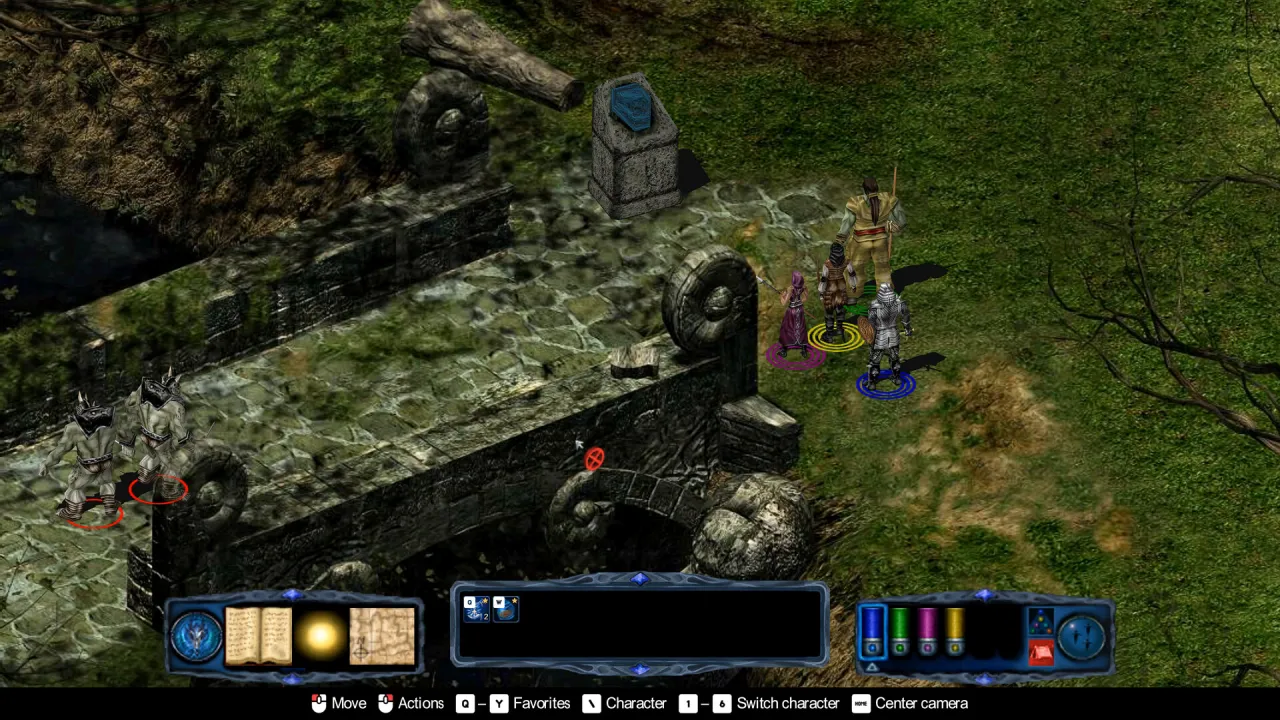
Pad layout for a 3E turn game still implies many menus: targeting, spell favorites, and turn order. Gaming.net’s spoiler-free beginner piece (2026-11-06) recommends sampling keyboard/mouse vs controller early; the author discloses AI-assisted drafting and no first-party benchmark—we cite it only as a reasonable habit, not proof that one input wins.
Tie pad comfort to /guides/combat-settings/ topics (animation speed, optional turn timer). Heavy menu use may matter more than combat movement on small screens—Unverified in the remaster for Deck specifically.
Keyboard and mouse on Windows PC
Nothing in the published store materials removes mouse-and-keyboard play. The 2001 design assumed PC hotkeys; the remaster layers tooltips and a visible action bar. If you sit at a desk, mouse targeting for area spells may still feel natural—compare with /guides/tips-and-tricks/ for Original (2001) habits like frequent manual saves that apply regardless of input.
Legacy Mode and enhanced UI toggles are documented at a high level on the store page; per-option defaults for remapped keys vs pad buttons remain Unverified in the remaster on this wiki.
What we still cannot confirm
Until contributors log verified Deck sessions or SNEG posts Deck-specific patch notes, treat these as open:
- Valve Verified / Playable / Unsupported status beyond “unknown on 2026-11-07”
- Readable font size on Deck without using undisclosed in-game sliders (Demo patch mentions text size settings—Unverified in the remaster on retail)
- Steam Cloud save sync between Deck and desktop (Steam Cloud is listed; cross-device behavior not tested here)
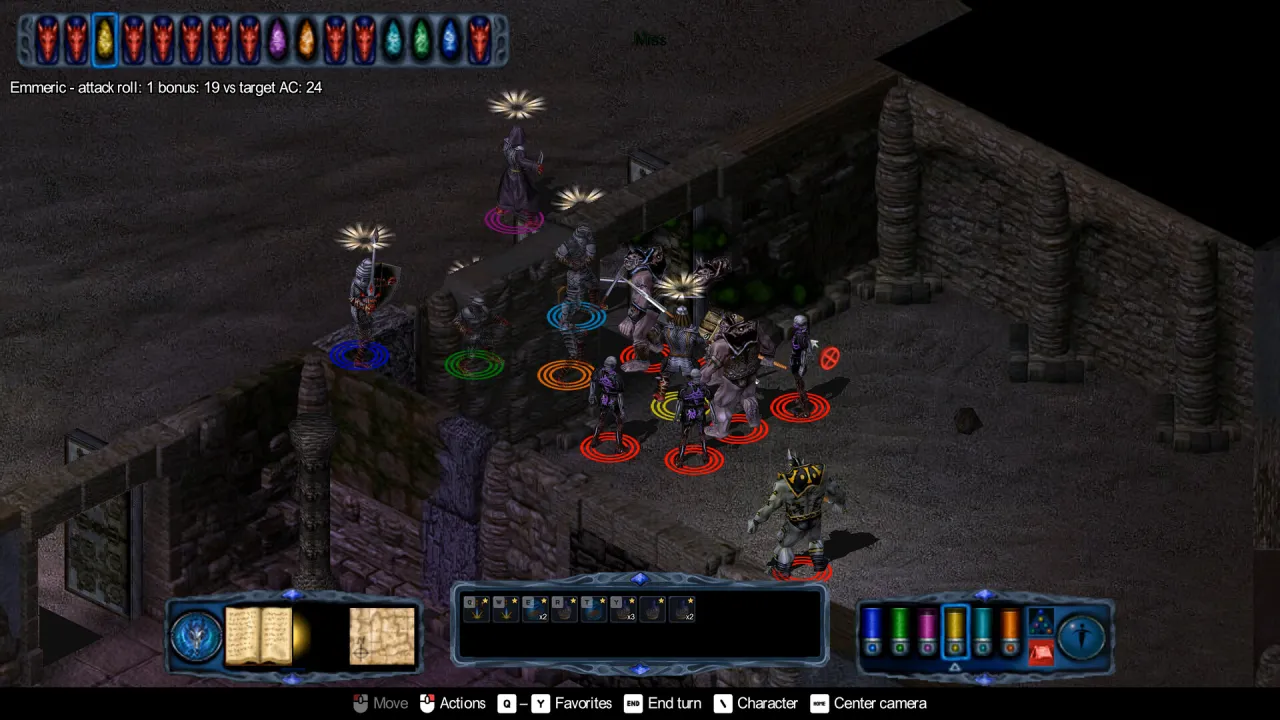
- Latency or precision issues during initiative-heavy fights shown in official UI shots
If you confirm any item on hardware, note your Proton version and game build so we can update this page.
Sources and what we haven’t verified
Sources: Steam store page (2026-11-07); GOG product page; RPG Site — Deck/controller news; ProtonDB 4834760; Can I Run blog; Gaming.net beginner guide (2026-11-06); SteamPeaks Demo Patch #1 (2026-10-30).
Unverified in the remaster: Deck Verified badge, FPS/battery/UI comfort, full-game parity with Demo controller fixes, and Linux-native builds.
Related Articles
classes
Best Class in Ruins of Myth Drannor: Role-by-Role Pick
Compare all eight classes in Ruins of Myth Drannor by party job—tank, healer, traps, and arcane output—using manual and FAQ sources.
classes
Cleric Build — Ruins of Myth Drannor
Cleric build guide for Pool of Radiance: Ruins of Myth Drannor—point buy, divine spells, Turn Undead, and party healing in the 2026 remaster.
classes
Fighter Build — Ruins of Myth Drannor
How to build a Fighter in Pool of Radiance: Ruins of Myth Drannor: stats, race picks, front-line role, and what the 2026 remaster still auto-assigns.
Was this helpful?
Thanks for the feedback!